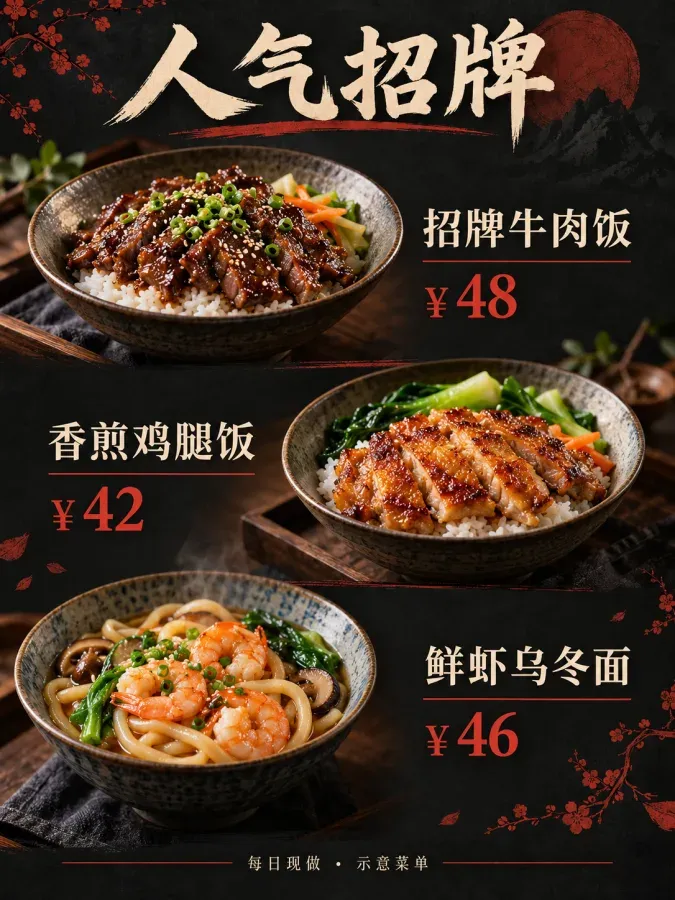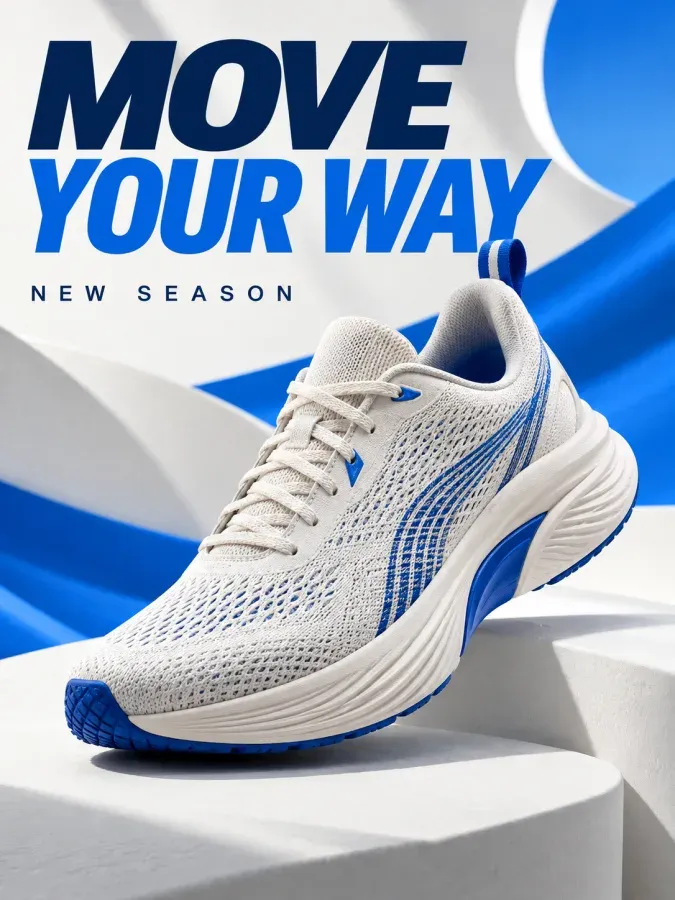

Turn products into ads
Start with a poster or a short clip and bring together product photos, prices and promotional copy.
Explore the studio
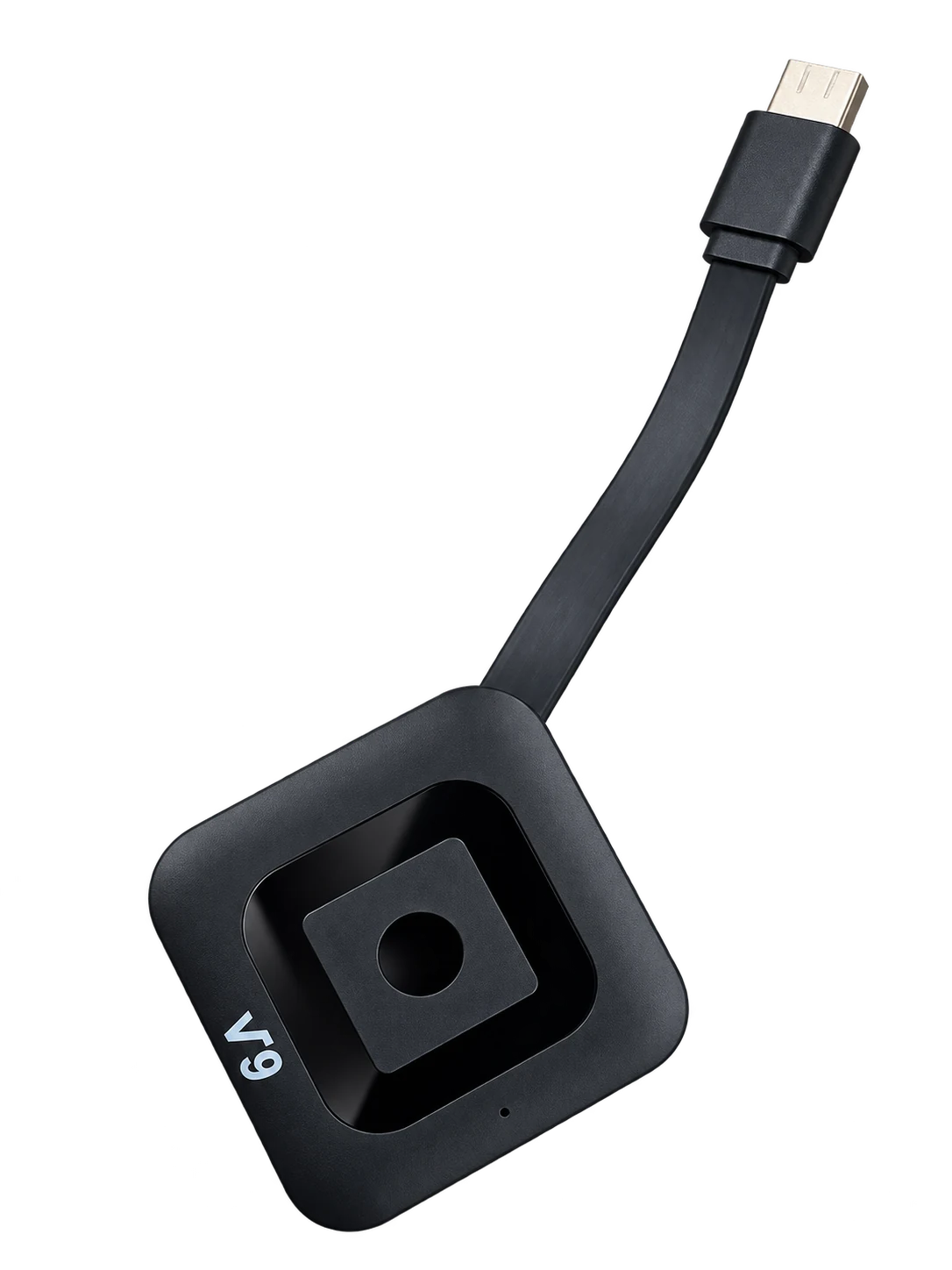
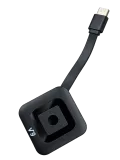
Upoping Signage Stick
Connect to your store’s TV to showcase menus, new arrivals and limited-time offers.
Hong Kong launch · HK$99 with one year of Basic cloud playback
Upoping
Upoping brings ad creation, cloud management and playback hardware together. Create an ad, choose its screens and schedule it for your store.
Start with a poster or a short clip and bring together product photos, prices and promotional copy.
Explore the studioChoose devices by store, set a playback window and check the status reported by the player.
Explore cloud managementConnect the stick to an existing HDMI display, or compare UA32 and UA55 for a dedicated screen.
Compare displaysAI STUDIO
Turn product photos into menu posters, promotions and short films.

Pick a layout for your industry and campaign.
Add the product, selling points, price and reference image.
Review the task settings and credit cost before generating.
Check the text and visuals, then export or schedule playback.
Basic covers playback and 100 standard template exports per month. Paid AI work requires separately purchased U Beans. Normal is designed for single-store marketing, Plus for small chains and Super for multi-store operations.
Images and videos share a U Bean balance. Image costs depend on the task settings. Video costs also depend on duration and resolution. Check your allowance and the quoted cost in the app before confirming.
View account benefitsUpoping Cloud
Manage stores, artwork and devices in the merchant app. Prepare content centrally and schedule it around each store’s opening hours.
Check the devices in each store and see which are online.
Set the artwork, playback order and time window.
Review delivery and execution status. Offline players can keep showing valid cached content.
SOLUTIONS
Start with where the screen lives, then decide what it should show and when.
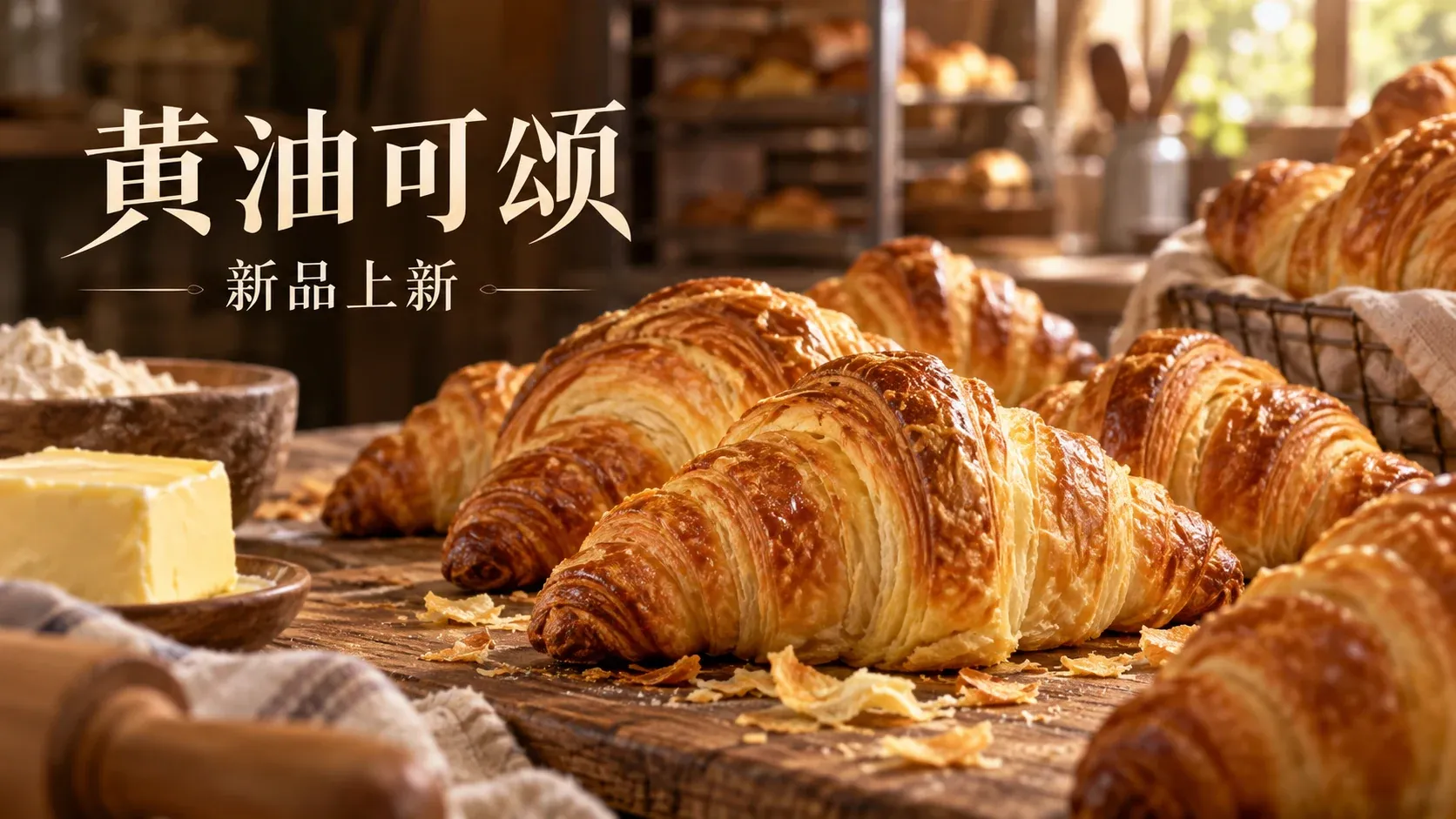
Show today’s menu at the counter. Update dish photos and prices in a menu template, then schedule breakfast and lunch versions.
Run a launch clip in the window and a price poster near the shelf. Schedule the offer to end before regular content resumes.
Show floor directions and today’s events at reception. Loop service introductions in waiting areas and update each zone separately.
Show check-in tips and breakfast locations at reception. Put session times outside meeting rooms and restore the welcome screen after the event.
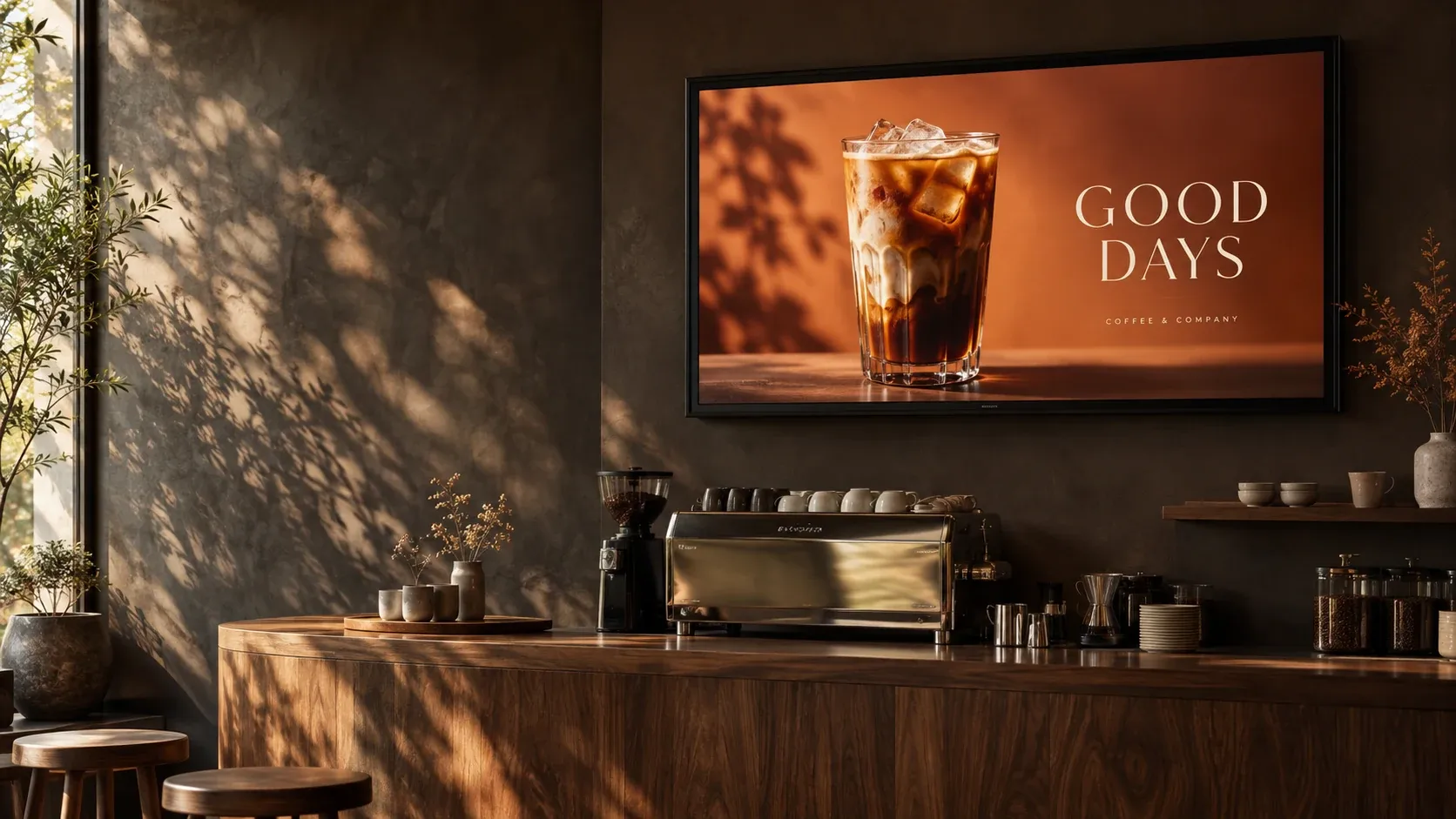
In store
From the morning coffee to a seasonal pastry, show customers what is fresh today.
Your screen.
A new purpose.
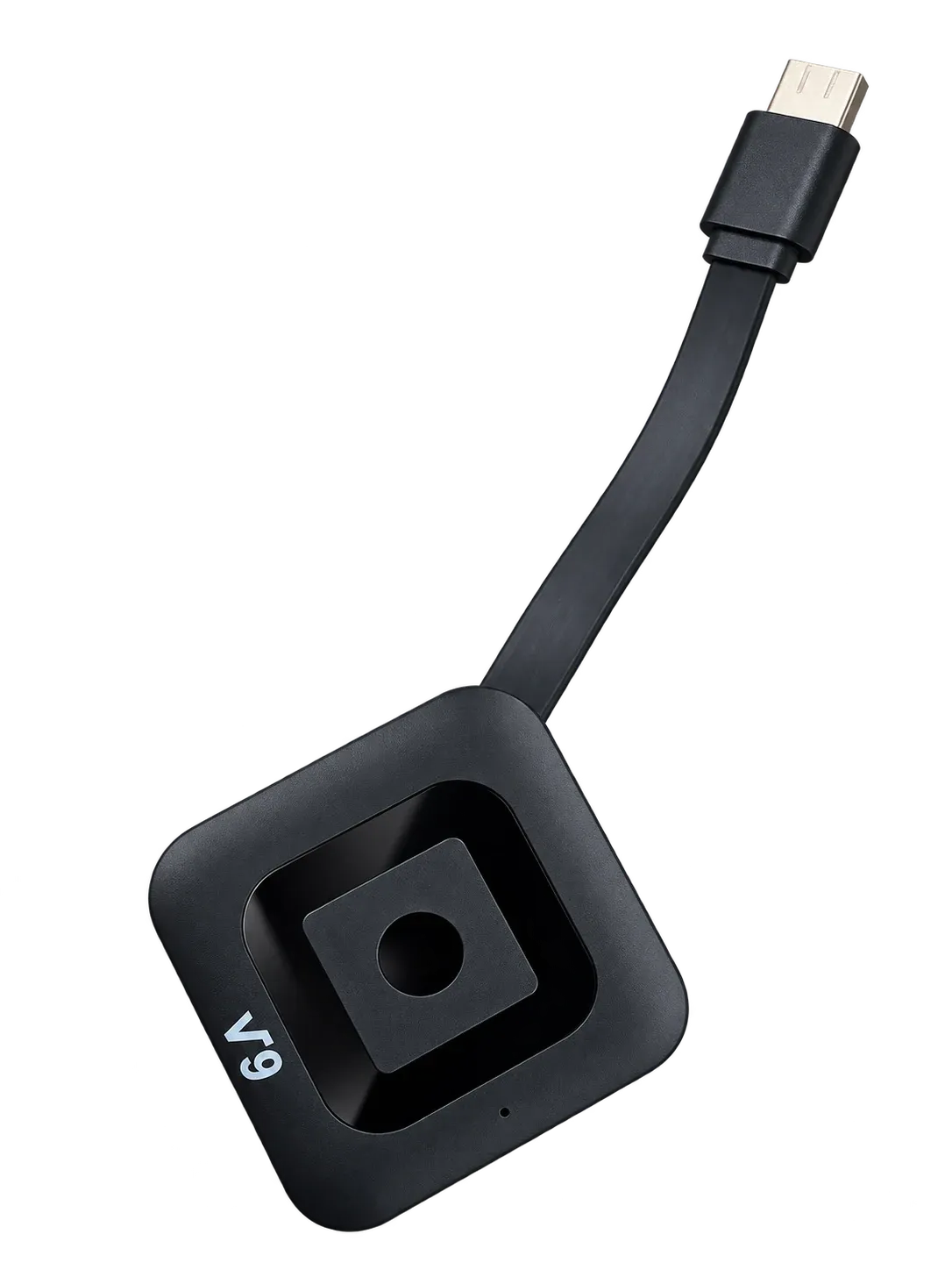
Connect the stick to an HDMI input and use the TV as its power source.
Set up Wi-Fi with Bluetooth on your phone, or use the remote to connect.
From one menu,
to every screen.
Prepare images and video, schedule playback,
and check your displays and campaigns.

Need a screen? Choose between two wall-mounted displays based on placement and viewing distance.
Upoping display
32 inches for counters and close-up viewing.
Upoping display
55 inches for feature walls and open spaces.
Displays are sold separately. Confirm the configuration, mounting accessories and bundle before purchase.
SHOWCASE
Explore Upoping sample artwork, short films and illustrative screen applications.
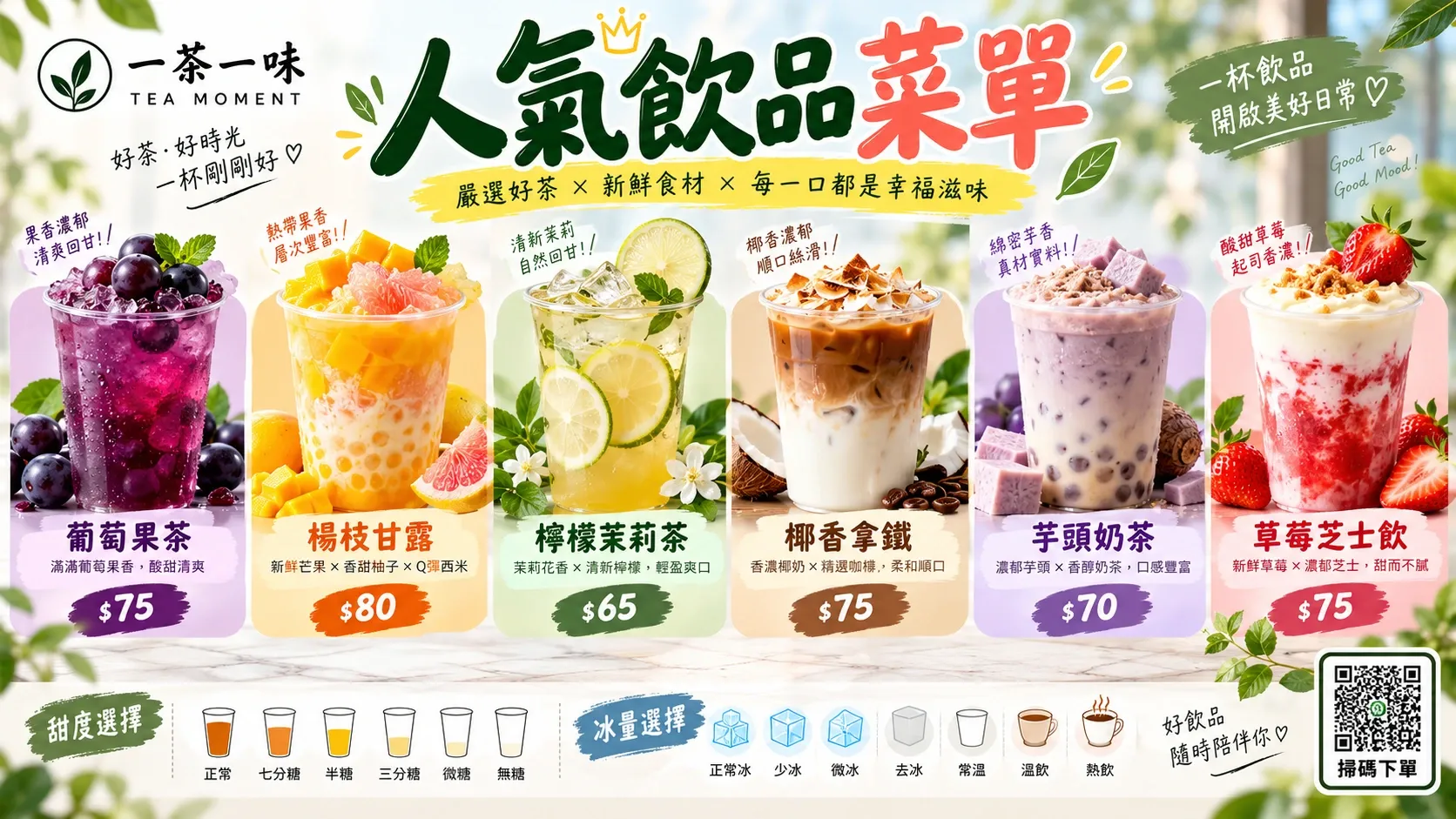
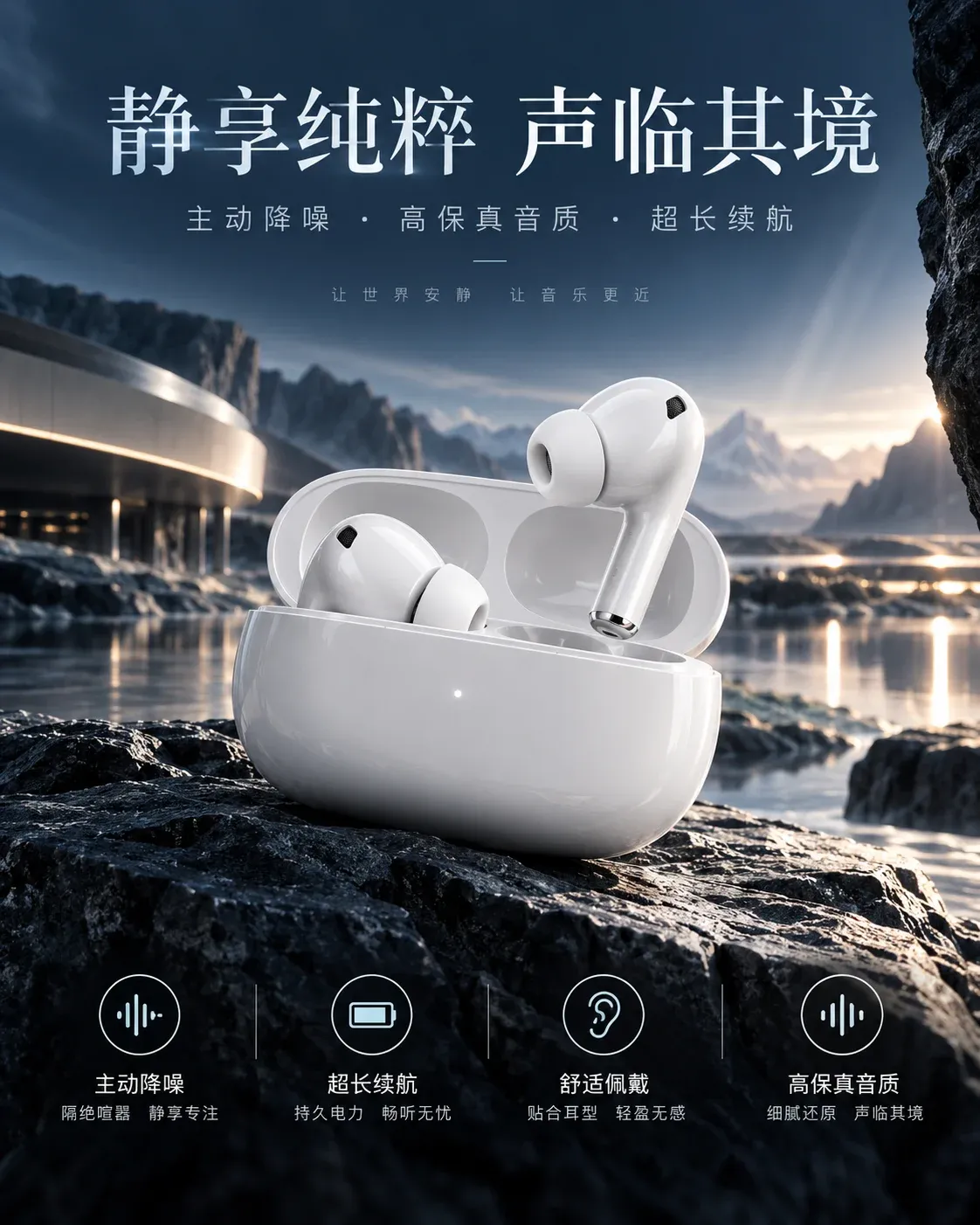

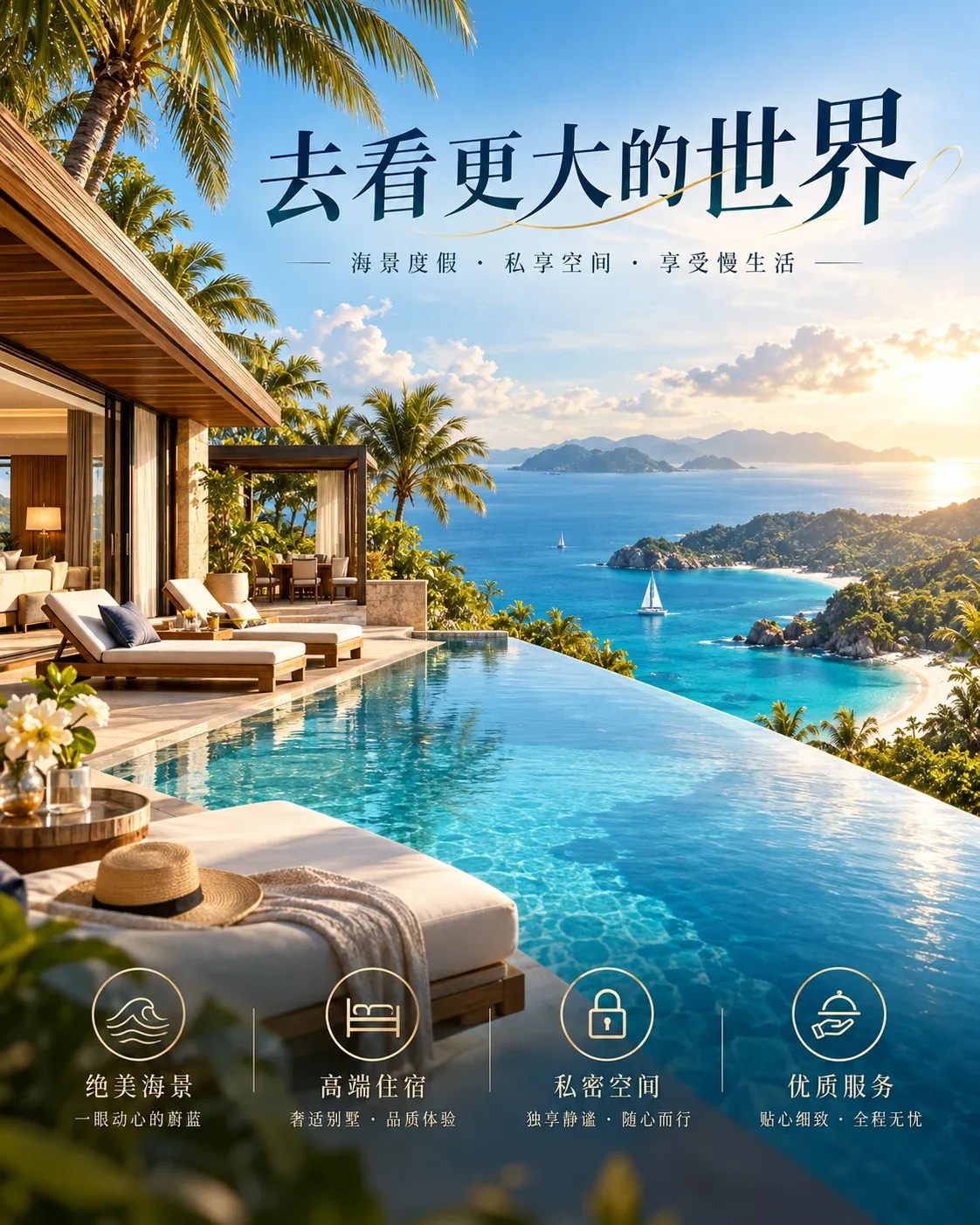
Your stick includes a year of cloud playback. Renew the service separately after year one.
After the first year, renew Basic for HK$89 per year. Plan upgrades and extra device slots cost more. Basic includes no monthly U Beans. Buy U Beans separately for paid AI image or video generation.
Have the brand, model, orientation, resolution and a photo of the HDMI input ready.
Check the space behind the TV, where the stick can draw power from the TV, and which Wi-Fi network is available.
List your screens, media formats and playback times, then confirm the content services you need.
Use the tool to record your display model and connection needs on this device.
CONTACT
Choose a topic and prepare a brief for a quote, product demo or partnership.
Model, quantity and delivery region.
List the features you want to see and your preferred date.
Outline a channel, integration or project partnership.
HONGKONG UMEDIA LIMITED
Sales and customer service email · mark@hkumedia.com
Email us your completed requirements. Sending and appointments require confirmation.
Read about compatibility, accessories and warranty arrangements before you buy.
The stick connects to a separate TV or monitor. A complete display includes a screen and enclosure. If you already have a screen, check its compatibility with the stick. Otherwise, you will need a display as well.
An HDMI input is one requirement. The screen model, output and playback specifications, power, network and software version also need checking. Have the model number and a photo of the input ready.
The TV powers the stick. To get online, use Bluetooth on your phone to help the stick join Wi-Fi, or use the remote to select and join a Wi-Fi network on the stick.
Link D1 outputs 1920×1080 at 60 Hz over HDMI. Upload MP4 video or JPEG, PNG, WebP and GIF images. GIFs may show only the first frame. Use MP4 for animation. Cached content can play offline while valid.
Hong Kong launch · HK$99 with one year of Basic cloud playback
Basic covers one store, one device and one account. It includes one brand library, 2 GB of cloud storage, 5 GB of downloads per month and a monthly allowance of 100 standard template exports.
After the first year, renew Basic for HK$89 per year. Plan upgrades and extra device slots cost more. Basic includes no monthly U Beans. Buy U Beans separately for paid AI image or video generation.
You can request a return within 7 days of receiving the stick. You may unpack and test it reasonably. Return the device and all accessories complete and undamaged. You pay return shipping if you change your mind. Upoping pays return shipping for a faulty or incorrect item.
Returning the stick cancels the included Basic service. Separate subscriptions and U Bean purchases are handled under their own orders.
Coverage starts on the date you receive your Hong Kong Link D1. For defects under normal use, the stick is covered for 12 months and the included remote and power cable for 6 months each.
If the item is faulty on arrival, report it within 7 days of receipt. We will replace it once inspection confirms a defect. After that, during the applicable warranty period, we will replace it if inspection shows it cannot be repaired or if the same fault recurs after one repair. If only an accessory is faulty, we will replace that accessory.
Within Hong Kong, we pay standard shipping both ways for repairs or replacements confirmed to be covered by the warranty. If the warranty has expired or the damage was caused by the user, we will quote the repair cost and shipping both ways. You pay those costs only if you agree to proceed.
For repairs, email mark@hkumedia.com, including your order number and a description of the fault.
The Hong Kong Link D1 includes a remote control and power cable.
Initial standard delivery in Hong Kong is HK$40 per order, paid by the customer. Multiple sticks shipped together in one order to the same Hong Kong address incur one delivery charge. One stick costs HK$99, or HK$139 including delivery. Confirm delivery timing before ordering.
For sales enquiries and repair requests, email mark@hkumedia.com.
DIGITAL SIGNAGE STICK
Connect an external player to your existing TV or monitor to display menus, new arrivals and promotions. Check the screen and installation site before purchase.
Use 8-bit video. 10-bit HEVC or HDR video may display a black screen.
COMPACT & CAPABLE
Show today's recommendations where customers can see them. The compact 32-inch display suits small stores, counters and short viewing distances.
Specifications come from documents archived on 10 October 2026. Hardware validation is pending. Confirm touch options, Pro peripherals and mounting accessories for the final SKU.
A BIGGER CANVAS
Give new products and brand stories more room. The 55-inch display suits feature walls and open spaces. Consider viewing distance, ambient light and mounting conditions.
Specifications come from documents archived on 10 October 2026. The mounting-hole measurements differ between documents. Obtain an approved drawing from the supplier before installation and confirm Pro peripherals, accessories and configuration separately.
CHECK YOUR DISPLAY
Prepare a checklist for your purchase. This tool does not test hardware compatibility.
This link does not contain your brief.
BEFORE YOU CONNECT
The TV powers the stick. Set up Wi-Fi using Bluetooth on your phone or connect with the remote. Next, check the TV power connection, available Wi-Fi and media playback specifications.
This brief contains the information you supplied. It has not been sent to sales and is not a compatibility test.
BEFORE YOU CONNECT
The current setup uses HDMI. Ask the supplier to check whether a connection is possible. Adapter compatibility is unconfirmed.
This brief contains the information you supplied. It has not been sent to sales and is not a compatibility test.
BEFORE YOU CONNECT
Check the rear label and ports. Have the model number and a photo of the inputs ready to confirm the connection.
This brief contains the information you supplied. It has not been sent to sales and is not a compatibility test.
Upoping / SIGNAGE STICK
Hong Kong launch · HK$99 with one year of Basic cloud playback
After the first year, renew Basic for HK$89 per year. Plan upgrades and extra device slots cost more. Basic includes no monthly U Beans. Buy U Beans separately for paid AI image or video generation.
Fill in your request to get a reference number, or email us directly.
Sales and customer service email · mark@hkumedia.com
Upoping / DISPLAY OPTIONS
Displays are sold separately. Confirm the configuration and whether the display can be paired with the stick.
Fill in your request to get a reference number, or email us directly.
Sales and customer service email · mark@hkumedia.com
Upoping / DISPLAY OPTIONS
Displays are sold separately. Confirm the configuration and whether the display can be paired with the stick.
Fill in your request to get a reference number, or email us directly.
Sales and customer service email · mark@hkumedia.com
Upoping · 360°
Drag to rotate or use the arrow keys.
3D model built from the actual product. Colours and details may vary slightly.
Upoping Business
Leave your contact details and requirements. You will see a reference number after submitting, and we will reply using the contact details you provide.
Upoping Business
Fill in and submit your request. Demo dates and partnership arrangements require mutual confirmation.
Upoping Business
Fill in and submit your request. Demo dates and partnership arrangements require mutual confirmation.